Set up a new plant safely
Inspect the leaves, learn its light needs and keep it apart from your collection for the first week. Avoid repotting or feeding it before it settles in.
Use the new-plant checklist →Free on iPhone · iOS 17.0+
Plantive is a plant identifier and care app for iPhone. Photograph a plant, flower, tree or succulent to find its name, then learn its watering and light needs.
 Plantive Plantive
 Fiddle Leaf Fig
Ficus lyrata · Indoors
Watering
Every 7 days
Lighting
Bright indirect
Water today
Top 2" of soil is dry
What it does
Knowing the name of a plant is only useful if it tells you what to do next. Plantive connects the species to a care routine, and the symptom to the cause.
Point your camera at a plant, flower, tree, leaf or succulent. Plantive suggests a species name in seconds so you can compare the result.
Watering intervals, light requirements, humidity and feeding, all specific to the species you scanned rather than generic advice.
Yellow leaves, brown tips, drooping stems. Work back from the symptom to the cause and the fix that actually addresses it.
Save every plant you scan into your garden and build a collection you can actually keep track of over the seasons.
How it works
Get close, fill the frame with one leaf or flower, and use even natural light. Check that the distinctive features are in focus.
Plantive returns the botanical and common name, so you can look up reliable care information rather than guessing from a shop label.
Watering rhythm, light level and the problems that species is prone to. Those are the things that determine whether it survives its first year.
Want the photography detail? Read how to identify a plant from a photo, including a flower-photo example and a checklist for verifying the result.
Practical guides
Start with a quick answer here, then open the step-by-step guide when you need it.
Inspect the leaves, learn its light needs and keep it apart from your collection for the first week. Avoid repotting or feeding it before it settles in.
Use the new-plant checklist →A short check of soil, new growth and leaf undersides catches most problems before they spread—and prevents watering just because it is Sunday.
Follow the 10-minute routine →Dust dulls broad leaves and makes pests harder to spot. Use lukewarm water or a soft damp cloth, then let the foliage dry with good airflow.
Clean leaves safely →Fertiliser supports growth; it does not repair stressed roots or make up for low light. Feed modestly when the plant is actively producing new leaves.
Fertilise without overdoing it →Misting changes humidity for only a few minutes. Group compatible plants or use a humidifier when a genuinely humidity-loving plant needs more.
See what actually works →Check each pot before leaving, move thirsty plants away from hot sun and test any wick system in advance. Extra water is not travel insurance.
Make a vacation care plan →Plant care guides
Schlumbergera × buckleyi
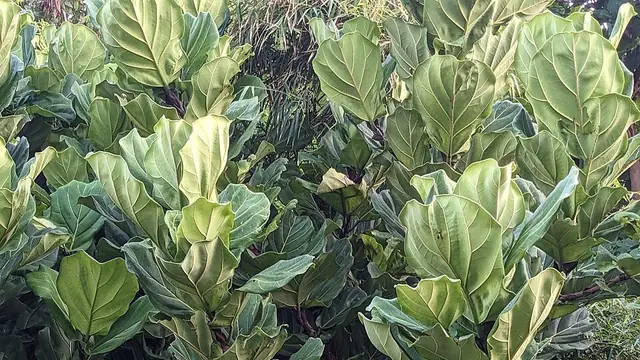
Ficus lyrata
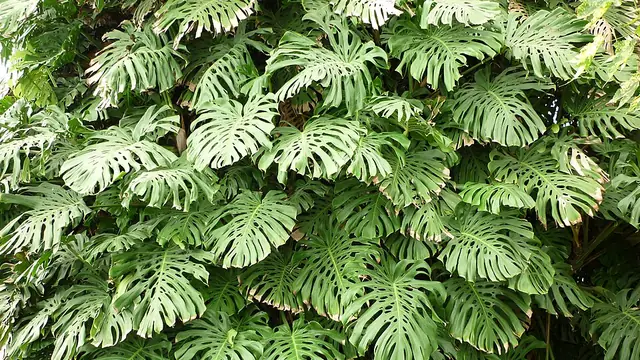
Monstera deliciosa
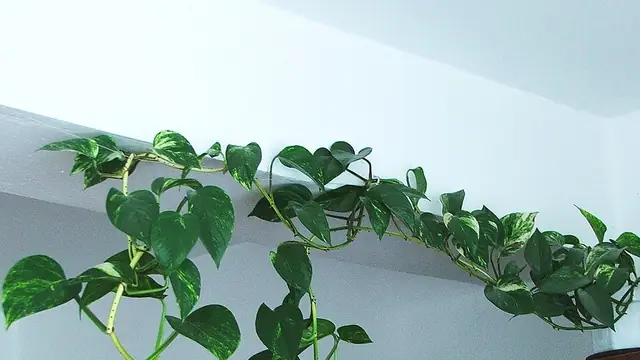
Epipremnum aureum
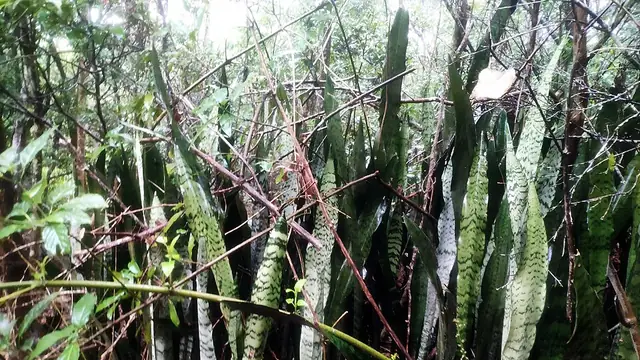
Dracaena trifasciata
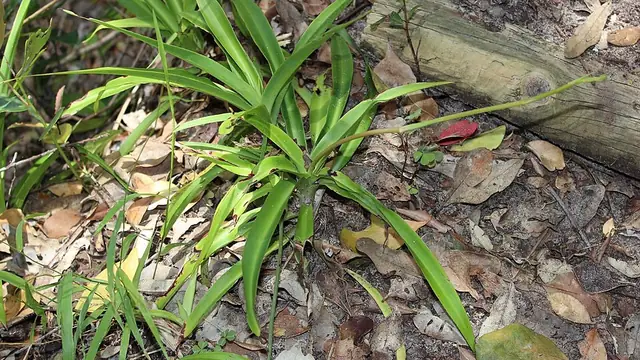
Chlorophytum comosum
Diagnose a problem
Monstera leaves may stay solid because the plant is young or receives too little light. Check maturity and light first, then provide climbing support. Existing solid leaves will not develop natural splits later; look for changes in new growth.
Diagnose this → low severityConfirm the flies are fungus gnats, then address the damp potting mix where larvae develop. Use yellow sticky traps to monitor adults. If needed, choose a larval treatment labeled for fungus gnats on indoor potted plants, such as an appropriate Bti product.
Diagnose this → medium severityFeel the soil two inches down and squeeze a leaf. Damp soil with soft limp leaves means overwatering. Dry soil with crisp papery leaves means underwatering.
Diagnose this → high severityIf a plant wilts while the potting mix remains wet, inspect the roots. Healthy roots are firm; rotted roots are soft and discolored. Remove affected tissue, use a clean container and well-drained mix, then avoid keeping the root zone saturated.
Diagnose this → medium severityCheck the soil before watering. Dry soil means thirst, so water and it recovers in hours. Wet soil means root rot, and watering again makes it worse.
Diagnose this → medium severityCheck the potting mix first. Persistently wet soil points toward root stress, while very dry soil, low light, pests, nutrients and normal leaf ageing can produce similar yellowing.
Diagnose this →From the blog
A useful grow light needs to reach the leaves for enough of the day. Learn how to choose a setup, set its distance and timer, and judge the plant’s response.
Read article → Getting startedStart with a healthy stem and a node. This guide shows where to cut, how water and potting-mix propagation differ, and when a cutting is ready for its own pot.
Read article → IdentificationYour iPhone can already name many plants from a photo. Here is how to use Visual Look Up, when to try Google Lens or a plant app instead, and how to check the answer.
Read article →Plantive is free to download from the App Store. Optional Pro subscriptions and lifetime purchases are available in the app; check the current App Store listing for purchase details.
Plants, flowers, trees, leaves, succulents and houseplants. Identification works best on a sharp, well-lit close-up of a distinctive feature, such as a flower or a single leaf against a plain background, rather than a wide shot of a whole garden bed.
Plantive is an iPhone app and requires iOS 17.0 or later. The download is around 15 MB, and the plant care guides on this website are free to read on any device with no app required.
Accuracy depends on the plant, the tool and the evidence in the photo. Use a clear image of one subject, then compare the suggested name with its leaves, flowers and growth habit. Similar species and named cultivars may need more evidence than a single image provides.
You can use it to identify the species and read its toxicity information, and our pet-safe plants guide covers the common ones. But never rely on an app alone in an emergency. If a pet has eaten part of a plant, call your vet or an animal poison control line immediately and bring the plant or a photo with you.